Building an AI-Powered Invoice Data Extraction Pipeline
A technical architecture for OCR, document understanding, validation, exception handling, and ERP integration
Invoice automation is often described as an OCR problem.
In practice, it is much larger than that.
An enterprise invoice-processing system has to take an unstructured document, identify what it represents, extract meaningful fields, validate those fields against business rules, determine whether human intervention is required, and eventually push trusted information into downstream systems.
A practical architecture therefore looks more like:
Invoice ↓ Document Ingestion ↓ Classification ↓ OCR / Document Understanding ↓ Field Extraction ↓ Validation ↓ Confidence Evaluation ↓ ┌───────────────┐ │ │ High Confidence Low Confidence │ │ ↓ ↓ Automation Human Review │ │ └───────┬───────┘ ↓ Approval Workflow ↓ ERP / Accounting ↓ Audit & Reporting
This article breaks down that architecture and the engineering considerations behind it.
- Why Invoice Processing Is an Unstructured Data Problem
An invoice may contain the same business information as another invoice while presenting it in a completely different visual structure.
For example, one supplier may place:
Invoice Number: INV-10245
near the top-right corner.
Another may use:
Bill No. 10245
in a completely different location.
The underlying business concept is the same, but the document representation is different.
A production invoice extraction system therefore needs to understand both:
Text Document context
This is one reason modern invoice processing combines OCR with document understanding and AI-based extraction rather than relying only on fixed coordinates or templates.
- High-Level System Architecture
A cloud-based invoice extraction service can be structured into several logical components:
                ┌─────────────────────┐
                │ Invoice Sources     │
                │                     │
                │ Email / Upload /    │
                │ Scanner / API       │
                └──────────┬──────────┘
                           │
                           ▼
                ┌─────────────────────┐
                │ Ingestion Service   │
                └──────────┬──────────┘
                           │
                           ▼
                ┌─────────────────────┐
                │ Document Classifier │
                └──────────┬──────────┘
                           │
                           ▼
                ┌─────────────────────┐
                │ OCR / AI Extraction │
                └──────────┬──────────┘
                           │
                           ▼
                ┌─────────────────────┐
                │ Validation Engine   │
                └──────────┬──────────┘
                           │
                 ┌─────────┴─────────┐
                 ▼                   ▼
            Auto Process        Human Review
                 │                   │
                 └─────────┬─────────┘
                           ▼
                ┌─────────────────────┐
                │ Workflow / Approval │
                └──────────┬──────────┘
                           │
                           ▼
                ┌─────────────────────┐
                │ ERP / Accounting    │
                └─────────────────────┘
Each component has a distinct responsibility.
This separation makes the system easier to scale, test, monitor, and modify.
- Document Ingestion
The first service receives invoices from different channels.
Common sources include:
Email attachments Web uploads Scanned documents Shared folders APIs Existing enterprise applications
The ingestion service should avoid embedding business logic directly into the upload process.
Instead, it can create a processing job:
{ "document_id": "inv_8f92", "source": "email", "status": "RECEIVED" }
The original document can then be stored while the processing pipeline handles the next stages asynchronously.
This separation is useful when invoice volume increases.
- Asynchronous Processing
Invoice extraction does not always need to happen synchronously with the upload request.
A queue-based architecture can separate document submission from processing.
Upload API │ ▼ Object Storage │ ▼ Message Queue │ ├──────────────┐ ▼ ▼ OCR Worker Classification Worker │ │ └───────┬──────┘ ▼ Extraction Worker
The advantage is that ingestion can continue even when extraction workers are temporarily busy.
Workers can then scale independently according to workload.
- Document Classification
Before extracting fields, the system should determine what type of document it is processing.
For example:
Input │ ▼ Classifier │ ├── Invoice ├── Credit Note ├── Purchase Order └── Unknown
Classification is useful because different document types may require different extraction schemas and validation rules.
An invoice-processing pipeline should not assume that every uploaded PDF is an invoice.
- OCR: Converting Pixels Into Text
OCR converts text contained in scanned or image-based documents into machine-readable characters.
A simplified pipeline is:
Image / Scan ↓ Preprocessing ↓ OCR Engine ↓ Detected Text ↓ Coordinates / Layout
Preprocessing may be necessary for documents with:
Low resolution Rotation Noise Poor contrast Skew
OCR provides the text foundation for downstream processing.
But OCR output alone is not structured invoice data.
- Why OCR Alone Is Not Enough
Consider an invoice containing:
Subtotal 10,000 Tax 1,800 Grand Total 11,800
OCR can recognize the numbers.
But the application needs to understand which number represents which business field.
The same problem becomes more difficult when suppliers use different layouts.
Therefore, an invoice-processing system needs an additional interpretation layer.
OCR ↓ Text + Layout ↓ Document Understanding ↓ Structured Fields
This is where AI-based extraction can complement OCR.
- Structured Extraction
A useful extraction output should be machine-readable.
For example:
{ "vendor_name": "Example Supplier", "invoice_number": "INV-10245", "invoice_date": "2026-09-15", "purchase_order": "PO-5521", "currency": "USD", "subtotal": 10000, "tax": 1800, "total": 11800 }
For invoices containing line items:
{ "items": [ { "description": "Product A", "quantity": 10, "unit_price": 500, "amount": 5000 }, { "description": "Product B", "quantity": 10, "unit_price": 500, "amount": 5000 } ] }
The schema should be designed around the business processes that consume the data.
- Header Fields vs. Line Items
Invoice extraction usually has two different data structures.
Header-level information
Examples:
Vendor Invoice number Invoice date Due date Currency PO number Tax Total Line-level information
Examples:
Description Quantity Unit price Discount Tax Line total
Line-item extraction can be significantly more complex because tables can span pages and contain different formatting structures.
For organizations using purchase-order matching or detailed cost allocation, line-item extraction may be especially important.
- Validation Engine
Extraction produces data.
Validation determines whether that data can be trusted.
A validation engine can apply multiple rules.
Required field validation invoice_number exists? vendor_name exists? invoice_date exists? total exists? Mathematical validation Subtotal + Tax - Discount = Total Business validation Vendor exists? PO exists? Currency allowed? Invoice already processed? Cross-system validation Invoice PO ↓ Procurement System ↓ PO Exists? ↓ Amount Matches?
This converts raw extraction into business-ready information.
- Confidence Scoring
AI extraction should not always be treated as binary:
Correct / Incorrect
A more practical approach is to attach confidence information to extracted fields.
For example:
{ "invoice_number": { "value": "INV-10245", "confidence": 0.98 }, "total": { "value": 11800, "confidence": 0.96 } }
The application can then define thresholds.
Confidence >= 0.95 ↓ Automatic Processing
Confidence < 0.95 ↓ Review Queue
The exact threshold should be determined using real-world data rather than an arbitrary number.
- Exception-Based Processing
The goal of automation should not necessarily be:
100% of invoices require zero human involvement.
A more realistic enterprise architecture is:
              Invoice
                 │
                 ▼
             Extraction
                 │
                 ▼
             Validation
                 │
          ┌──────┴──────┐
          ▼             ▼
      Valid / High    Exception
       Confidence       │
          │             ▼
          │        Human Review
          │             │
          └──────┬──────┘
                 ▼
              Approval
This means employees spend their time on exceptions rather than repeatedly entering information from every invoice.
- Duplicate Detection
Duplicate invoices are another important validation concern.
A system can compare combinations such as:
Vendor + Invoice Number + Invoice Date + Invoice Amount
A potential duplicate can then be routed for review.
The exact duplicate-detection strategy depends on the organization's data model and invoice patterns.
The important architectural point is that duplicate detection should be part of the processing workflow rather than a completely separate manual activity.
- Purchase Order Matching
For businesses using purchase orders, invoice processing can include matching.
A simplified three-way workflow can be represented as:
Purchase Order │ ├──────────┐ ▼ ▼ Goods / Service Invoice │ │ └────┬─────┘ ▼ Matching │ ┌─────┴─────┐ ▼ ▼ Match Mismatch │ │ ▼ ▼ Approval Exception
This can help identify invoices that require additional review before approval.
- Approval Workflow
After extraction and validation, invoices may need approval.
Approval routing can depend on business rules such as:
Amount Vendor Department Cost Center Location Purchase Order
For example:
Invoice │ ▼ Validation │ ▼ Amount Check │ ├── Low Value ──→ Manager │ └── High Value ─→ Finance + Management
The workflow engine should maintain state so that pending approvals can be tracked.
- ERP and Accounting Integration
The final objective is often to move validated invoice information into another business system.
The integration architecture might be:
Invoice Platform │ ▼ Integration API │ ├── ERP ├── Accounting ├── Procurement └── Payment Systems
API-based integration allows the invoice-processing platform to remain decoupled from individual downstream systems.
The integration layer can also handle:
Authentication Data transformation Validation Error handling Retry logic Logging 17. Auditability
Financial workflows require traceability.
The platform should be able to answer questions such as:
When was the invoice received?
What data was extracted?
Which validation rules ran?
Was human review required?
Who approved it?
When was it sent to the ERP?
A simplified audit trail might look like:
09:10 Document Received 09:11 Classification Completed 09:12 Extraction Completed 09:12 Validation Completed 09:13 Human Review 09:18 Approved 09:19 ERP Submission 09:19 ERP Accepted
Auditability becomes especially important when automated systems participate in financial processes.
- Security Architecture
Invoice documents can contain sensitive financial and commercial information.
Security should therefore be considered across the complete pipeline.
Upload ↓ Authentication ↓ Authorization ↓ Secure Storage ↓ Processing ↓ API Security ↓ Audit Logs
Important areas include:
Authentication Role-based authorization Secure document storage API access control Encryption Audit logging Data retention policies
The exact controls depend on the organization's environment and compliance requirements.
- Observability
Distributed invoice-processing systems need visibility into every stage.
Useful operational metrics can include:
Documents received Processing duration Extraction failures Validation failures Exception rate Queue depth Worker failures ERP integration failures
A monitoring architecture can look like:
Services │ ├── Logs ├── Metrics └── Traces │ ▼ Observability │ ▼ Alerts
Without observability, diagnosing a failed invoice can require manually checking multiple systems.
- Scaling the Processing Pipeline
Invoice volume can vary significantly.
A company may receive a small number of invoices during normal periods and significantly more during month-end processing.
A queue-based architecture can allow workers to scale based on workload.
             Message Queue
                  │
    ┌─────────────┼─────────────┐
    ▼             ▼             ▼
Worker 1 Worker 2 Worker 3 │ │ │ └─────────────┼─────────────┘ ▼ Validation
Stateless processing workers can often be scaled horizontally.
This allows the platform to process additional workloads without redesigning the complete system.
- A Practical Implementation Strategy
A full enterprise rollout should not necessarily begin with every invoice source and every supplier.
A staged implementation can reduce risk.
Phase 1 — Discovery
Understand:
Invoice volume Supplier formats Required fields Existing approval processes ERP/accounting environment Phase 2 — Pilot
Select representative invoices from multiple suppliers.
Phase 3 — Extraction
Implement OCR and structured extraction.
Phase 4 — Validation
Introduce business rules and exception handling.
Phase 5 — Integration
Connect validated data to the downstream business system.
Phase 6 — Measurement
Measure:
Processing time Extraction accuracy Exception rate Manual effort Integration reliability Phase 7 — Expansion
Increase supplier coverage and processing volume based on pilot results.
This staged approach aligns with the implementation guidance in the original article.
- What to Evaluate When Selecting a Solution
Invoice software should not be evaluated only on its OCR demonstration.
A more complete technical evaluation should consider:
Extraction
Can it identify required header and line-item fields?
Document diversity
Can it handle invoices from different suppliers and layouts?
Validation
Can business rules be applied before downstream processing?
Human review
Can uncertain results be routed to people?
Integration
Does it provide APIs or connectors for existing systems?
Security
How are documents, users, APIs, and audit logs protected?
Scalability
Can the architecture support increased invoice volume?
Observability
Can engineering and finance teams understand failures?
These questions help evaluate the entire processing architecture rather than a single AI capability.
Conclusion
Invoice data extraction is not simply:
Upload PDF → OCR → Extract Text
A production-grade invoice automation platform is closer to:
Capture ↓ Classify ↓ Understand ↓ Extract ↓ Validate ↓ Evaluate Confidence ↓ Handle Exceptions ↓ Approve ↓ Integrate ↓ Audit
OCR provides the text foundation.
AI can help understand different document structures.
Validation turns extracted values into business-ready information.
Workflow automation moves the invoice through the organization.
Human review handles exceptions.
APIs connect the result to ERP and accounting systems.
And observability makes the complete pipeline manageable.
The real engineering challenge is therefore not building an OCR tool.
It is building a reliable document-to-business-data pipeline.
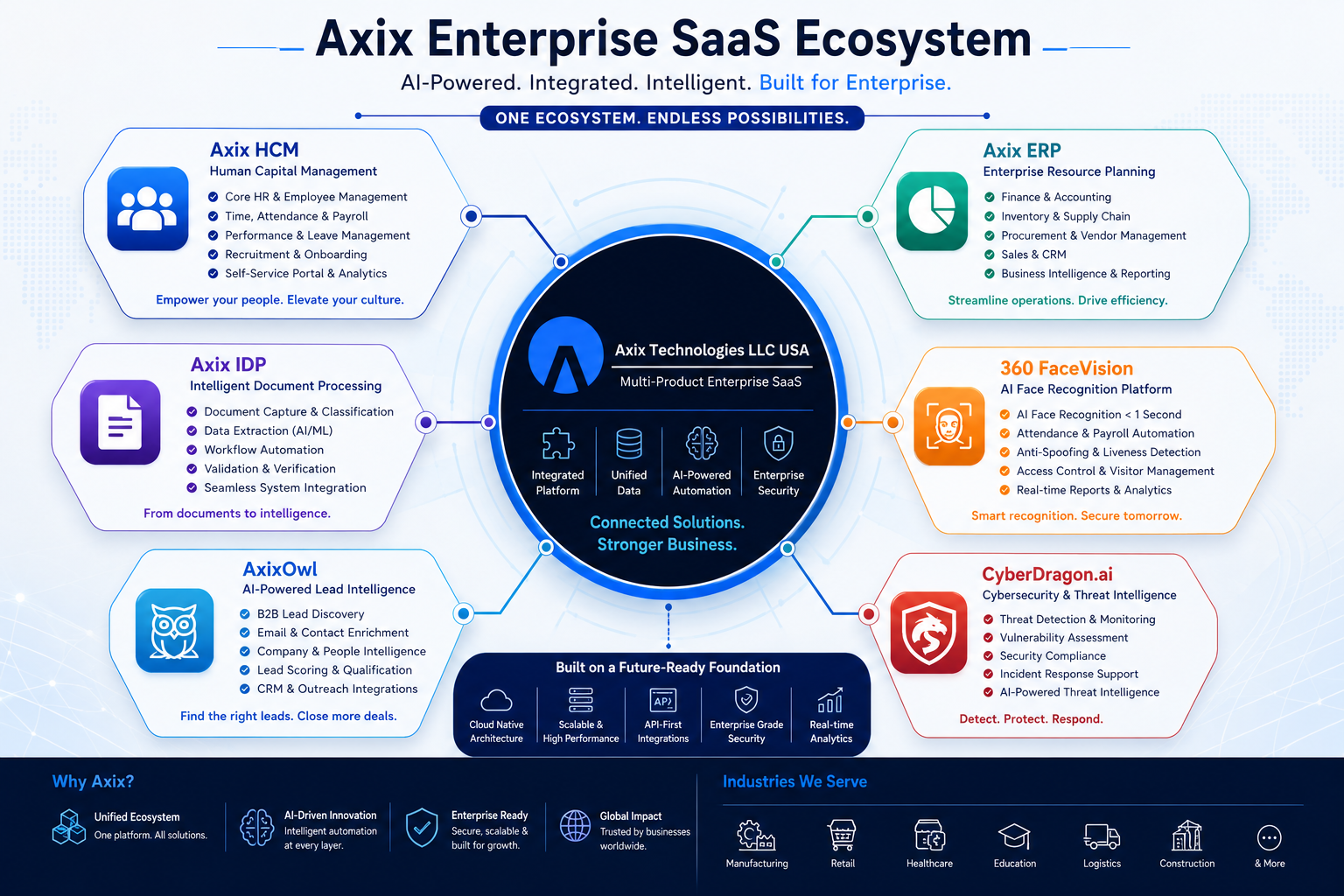
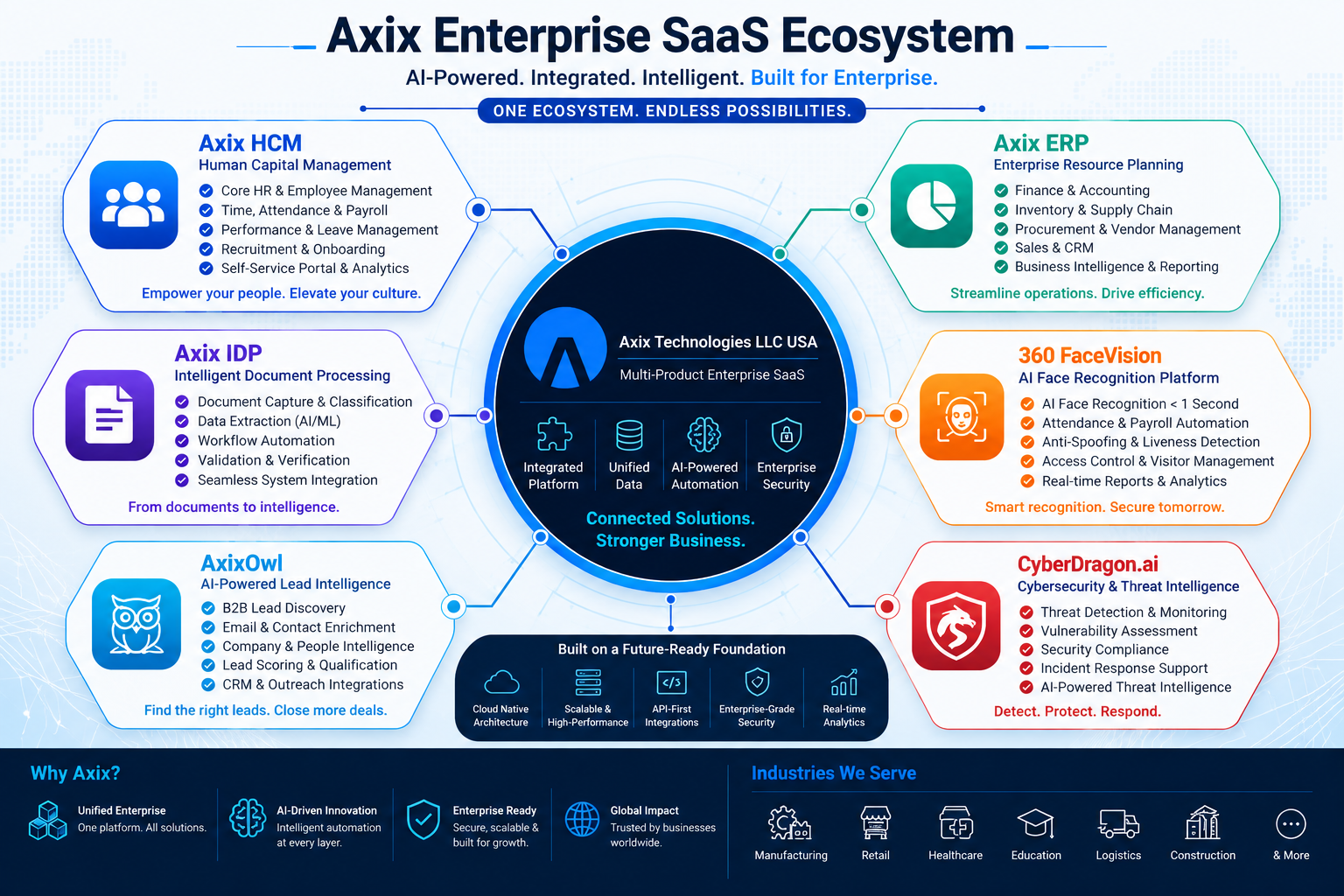
At Axix Technologies LLC USA, we are exploring intelligent document processing as part of a broader approach to business automation—turning unstructured business documents into structured, validated, workflow-ready information.
The future of invoice automation is not just extracting data from invoices.
It is connecting that data to the business processes that depend on it.
Original Source
This Hashnode article is a technical rewrite of the original article published by Axix Technologies LLC USA:
Invoice Data Extraction Software: A Practical Guide to Automated Invoice Processing